2025 May Update - Notifications, upcoming tab default
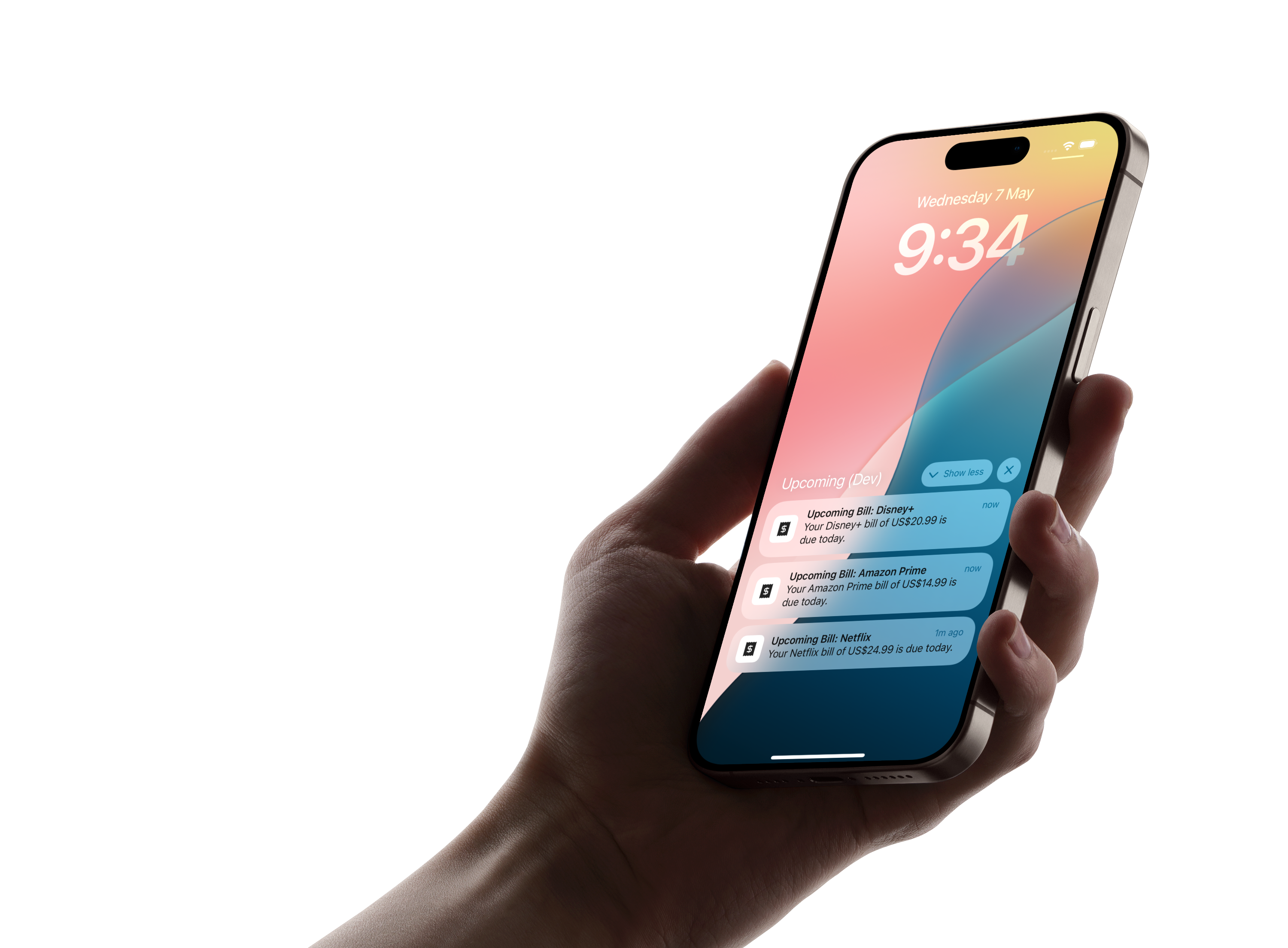
Notifications
We are introducing notification support for bills. When a bill is due, you will get a notification at 8am on that day.
To enable notifications, head to Settings > Notifications > Upcoming > Allow Notifications.
Upcoming tab is now the default
The bills tab was previously the default tab. We have change the upcoming tab now to be the default tab. This tab is more useful for day to day when opening the app to view what bills you have next.
Bills are now sorted alphabetically
Bills in the bills tab are now sorted by name rather than the next bill date. This means that bills no longer move around, helping you get a better glance at your current bills.